




















Linking to EQ7

Home > How it works > Linking to EQ7

Linking to EQ7A simple utility was installed with the My EQ Boutique software that quickly and easily links your Boutique downloads with your EQ7.

  1. Close EQ7 if it is open.
  2. In the bottom-left of your screen, click Start > (All) Programs > Electric Quilt > My EQ Boutique > Link My EQ Boutique Blocks With EQ7.
  3. A prompt will display. Click OK.
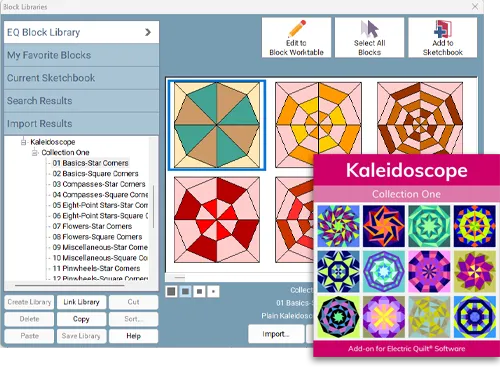
  4. Open EQ7 > Libraries > Block Library. Your blocks will display below the EQ7 library list. They are listed as "Boutique-".

PLEASE NOTE:

Each time you purchase a new product from My EQ Boutique, you will simply need to run the utility again to update your EQ7.

Tip! Create a shortcut on your desktop to make linking easier!

  1. In the bottom-left of your screen, click Start > (All) Programs > Electric Quilt > My EQ Boutique.
  2. Right-click on the Link My EQ Boutique Blocks With EQ7 option. A box will display.
  3. Choose Send to > Desktop (create shortcut). An icon will display on your desktop for easy access to linking to your EQ7!